
What Solo Run does
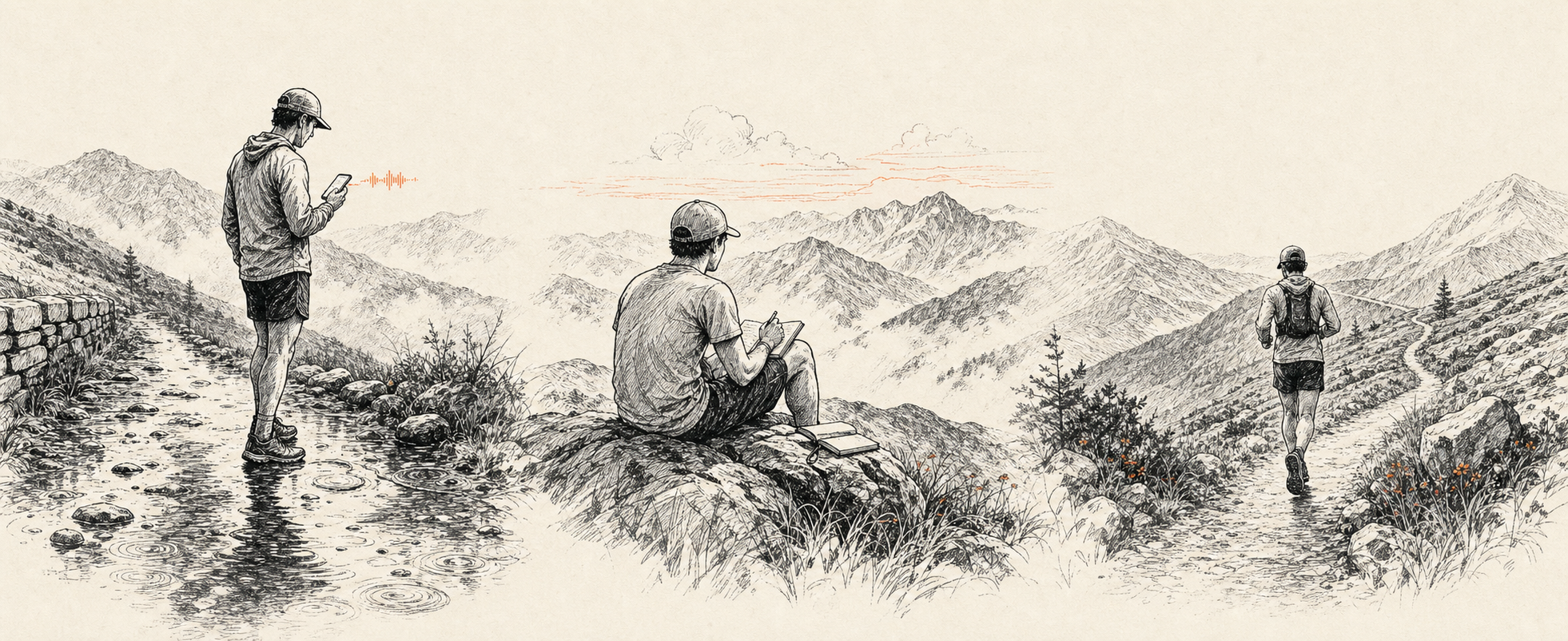
Solo Run records GPS runs you start, accepts manual runs and imports completed workouts through Activity Sync where available. You can keep notes, photographs, voice recordings and video with a run. GPS recording can continue with the screen off when device permissions allow it. Solo Run does not share your live location with others, confirm your condition, supervise a route or alert an emergency contact.
Plan for the actual route
- Check current weather, daylight, air quality, terrain, access rules, water sources and known hazards from authoritative local sources.
- Carry suitable water, food, clothing, lighting, navigation, identification and communication equipment.
- Download or carry an offline map where signal is uncertain; do not rely on a past Solo Run route as your only navigation source.
- Tell a trusted person your route and expected return when remoteness, weather or personal circumstances warrant it.
- Respect closures, private property, wildlife guidance and local rules. A saved route from a prior run does not establish a current right of access.
Emergencies and loss of signal
Solo Run does not provide live location sharing, medical monitoring or emergency dispatch. GPS recording, battery, mobile signal, sensors and imported location data can fail or lag. In an emergency, use the emergency calling feature available where you are, contact local emergency services or seek nearby help. Do not wait for Solo Run or support to respond.
Your physical condition
You decide whether to start, continue, shorten or stop a run. Turn back, slow down or seek help when pain, illness, heat, cold, fatigue, poor visibility or unsafe terrain calls for it. Metrics shown in Solo Run may be incomplete and cannot establish that continuing is safe.
Solo Run does not diagnose injury or illness. Ask a licensed medical professional about symptoms, return-to-running decisions or a training plan, particularly after injury or when you have a condition affected by exercise.
Routes and personal privacy
A route can expose a home address, workplace, regular schedule or isolated location. Review maps, screenshots, photographs and metadata before sharing them. Do not publish another person’s location without permission, and consider trimming start and finish points near a private address.
Device use while moving
Stop in a safe place before typing, recording a note, taking a photograph or studying a screen. Keep awareness of traffic, other people, animals and terrain. Follow local rules for phones and headphones.
Report a safety issue
For a product issue that could create unsafe guidance or misleading health information, email hello@moriurban.com. Do not use email for an emergency. Include the app version, device model and a description, but remove precise routes and health details unless support asks for them through a suitable channel.